Tech Support Videos
Step by step videos from our technicians: errors, cables, calibration, resets and setups for SellEton indicators and scales. Start with the cable, then pick your indicator or scale below.
No video matches that yet. Call Tech Support at (844) 735-5386 or email tech@selletonscales.com and we will walk you through it.
Start here: errors, cables and load cells
The first step is to check the cable connection. Errors like 6, UUUUU or nnnnn can mean a bad connection, a calibration issue or a faulty load cell. Work through the videos in this order.
Error 6, UUUUU or nnnnn: find and replace a bad load cell
Error 6, UUUUU or nnnnn: check the cable first
Reading keeps running? Do a cable continuity test
How to tell if a load cell is good or bad
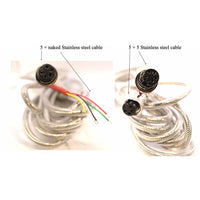
SL-7510, SL-7515 and IN-202: 4 and 5 prong cable connections
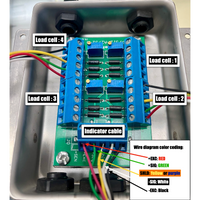
How to wire a junction box
Connect the home run cable straight to the junction box
How to switch the signal direction of a load cell
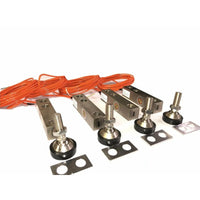
How to install a load cell in a floor scale
One bad load cell can stop a plant: how to catch it early
Make any scale water resistant: SP series cables and SL-7510